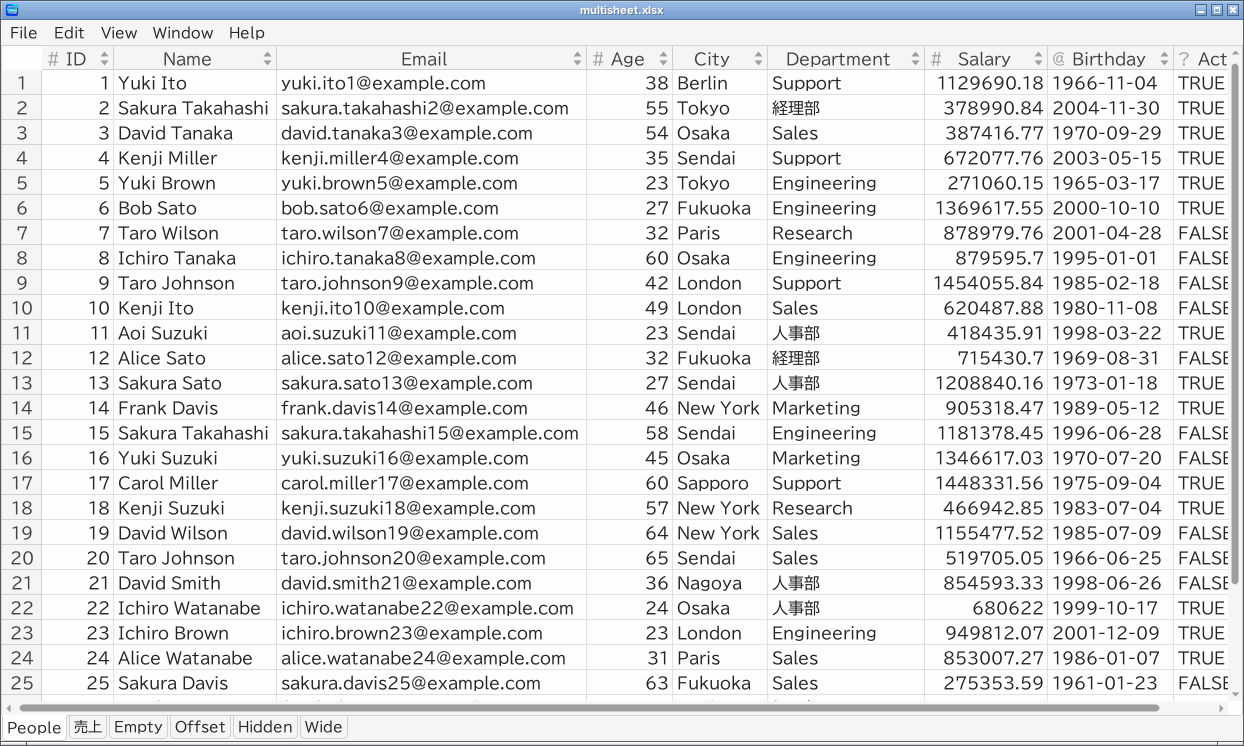
TableSkim picks the format from the file name and its first bytes. Parquet, DuckDB and SQLite files are recognized by their first bytes, so they open even with another extension, and text starting with { or [ is read as JSON. The extensions below are the usual ones. Every format opens in the same kind of window; formats with several tables show each table as a sheet (a tab at the bottom of the GUI window, or at the top of the terminal UI).
| Format | Extensions | Sheets |
|---|---|---|
| CSV | .csv | one |
| TSV | .tsv, .tab | one |
| VCF | .vcf, .vcf.gz, .vcf.bgz | one |
| Other text | .txt and unknown extensions that look like text | one |
| Excel | .xlsx, .xlsm | one per worksheet |
| Parquet | .parquet | one |
| JSON | .json, .ndjson, .jsonl | one |
| DuckDB | .duckdb, .ddb | one per table and view |
| SQLite | .sqlite, .sqlite3, .db, .db3 | one per table and view |
.csv and a tab for .tsv, .tab and .vcf; for other text files it is detected.
H in the terminal UI) chooses Header or Data instead, for that file.
CSV / TSV / VCF files compressed with gzip (.gz, .bgz), bzip2 (.bz2), xz (.xz) or zstd (.zst) are decompressed on the fly, for example data.csv.gz or variants.vcf.bgz.
CSV / TSV files may be in UTF-8 (with or without a BOM), UTF-16LE / UTF-16BE (with or without a BOM) or Shift_JIS (CP932), as written by Japanese versions of Excel. The encoding is detected from the start of the file. If the guess is wrong:
E to switch to the next encoding.
--encoding utf-8 | utf-16le | utf-16be | cp932.
## linesLines starting with ## (such as VCF meta-information lines) can be skipped with View → Skip lines starting with ## (# in the terminal UI). This is on by default for .vcf files, so that the #CHROM ... line becomes the first row.
CSV / TSV files have no index, so to sort or filter them TableSkim keeps the rows it has read in memory. When those rows take about 100 MB, 500 MB and 1 GB, and then every 2 GB, TableSkim pauses and asks whether to continue:
If you need to work with very large text files often, convert them to Parquet or DuckDB once (see Exporting and Converting): those formats are sorted and filtered inside the database, without loading every row.
.xlsx and .xlsm workbooks are supported; every worksheet is a sheet.
Parquet files are read through DuckDB. Sorting and filtering run inside DuckDB, so they work on files of any size. You can also run SQL on a Parquet file (see Running SQL).
[{...}, {...}]) or one object per line (NDJSON / JSON Lines, .ndjson, .jsonl).
.json.gz, .jsonl.zst, ...) is supported.
{'name': user1, 'tags': [a]} or [1, 2, 3].
Every table and view of the database is shown as a sheet. Sorting and filtering run inside the database, so they are fast even for large tables. In DuckDB, tables come before views and those of the main schema first; other schemas are named schema.table. Should two names coincide (table b of schema a and a table named a.b in main), the sheet shows the first one; use SQL for the other. Databases are opened read-only, so TableSkim never changes them; you can still query them with SQL (see Running SQL).
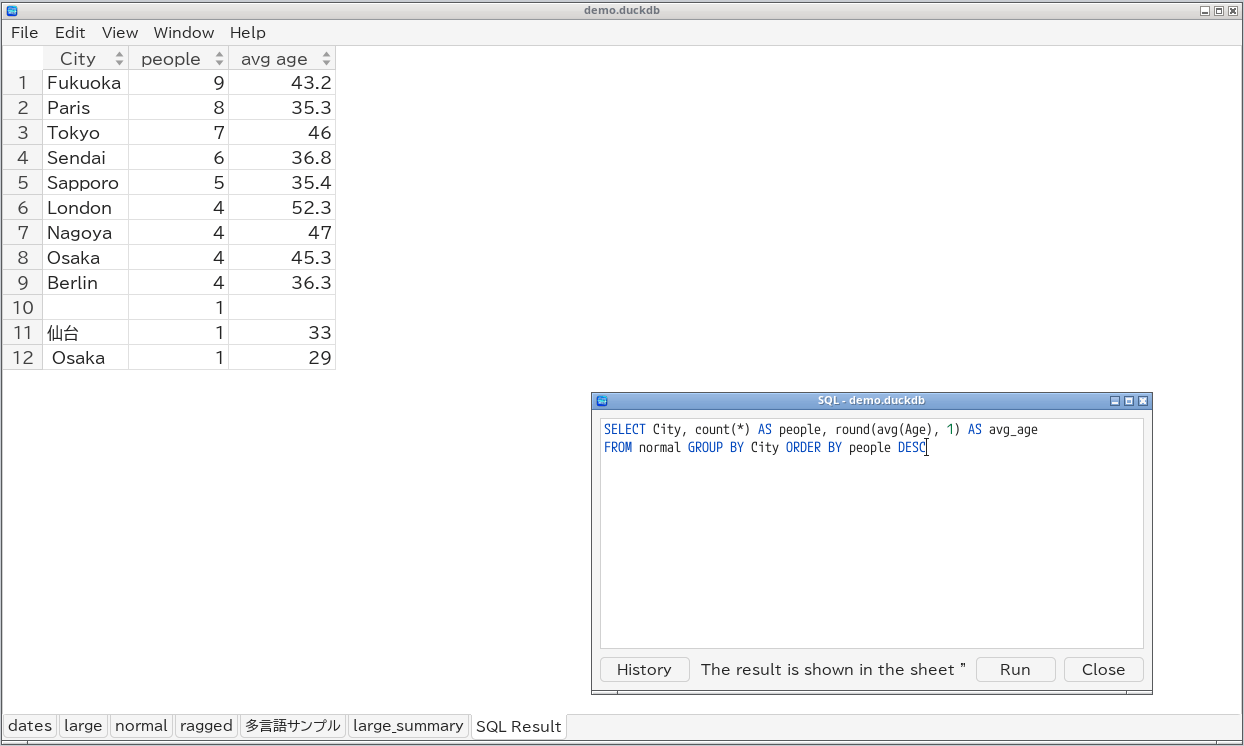
File names, sheet names and cell contents in Japanese and other non-ASCII scripts are supported on every platform.